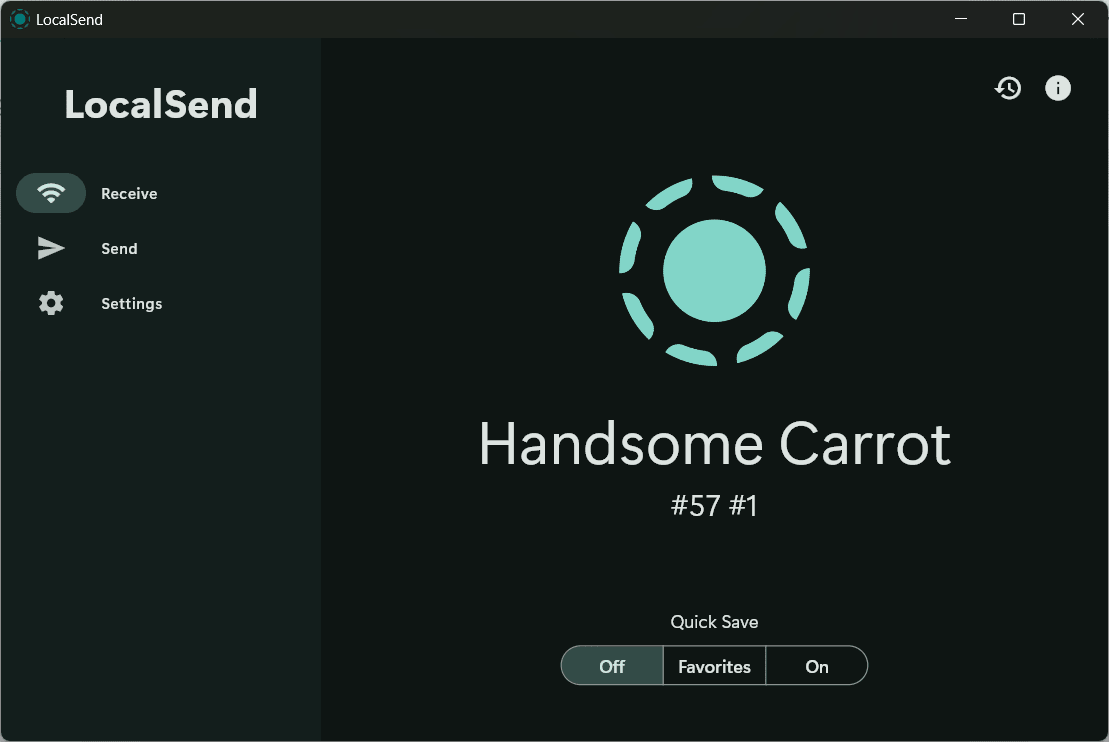
Moving files across different operating systems usually involves emailing attachments to yourself or relying on slow cloud drives. LocalSend eliminates that friction. This open-source utility transfers files directly between devices on the same local network without touching the internet. It serves as a fast, private alternative to cloud-based sharing services, making it an excellent choice for any multi-device setup.
File transfer and cross-device sharing
The application focuses entirely on peer-to-peer file sharing. You can send documents, images, videos, and entire folders directly to nearby hardware without hunting for a USB drive. If a traditional Wi-Fi router is unavailable, you can easily use a mobile hotspot to link devices together.
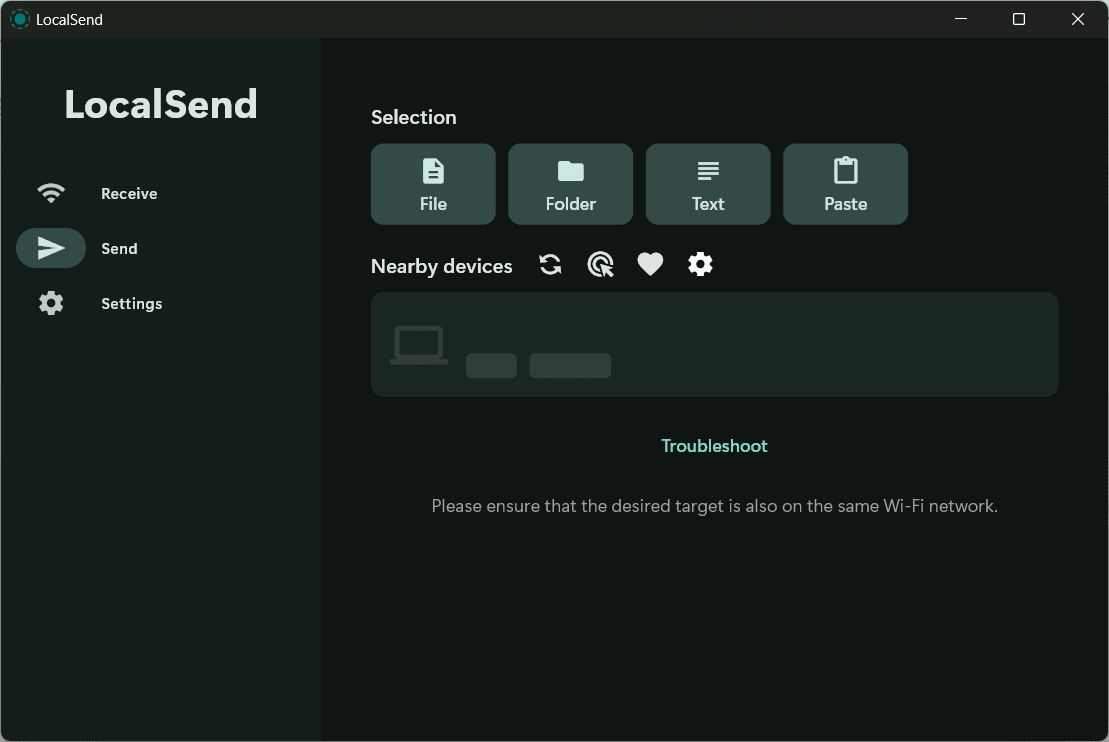
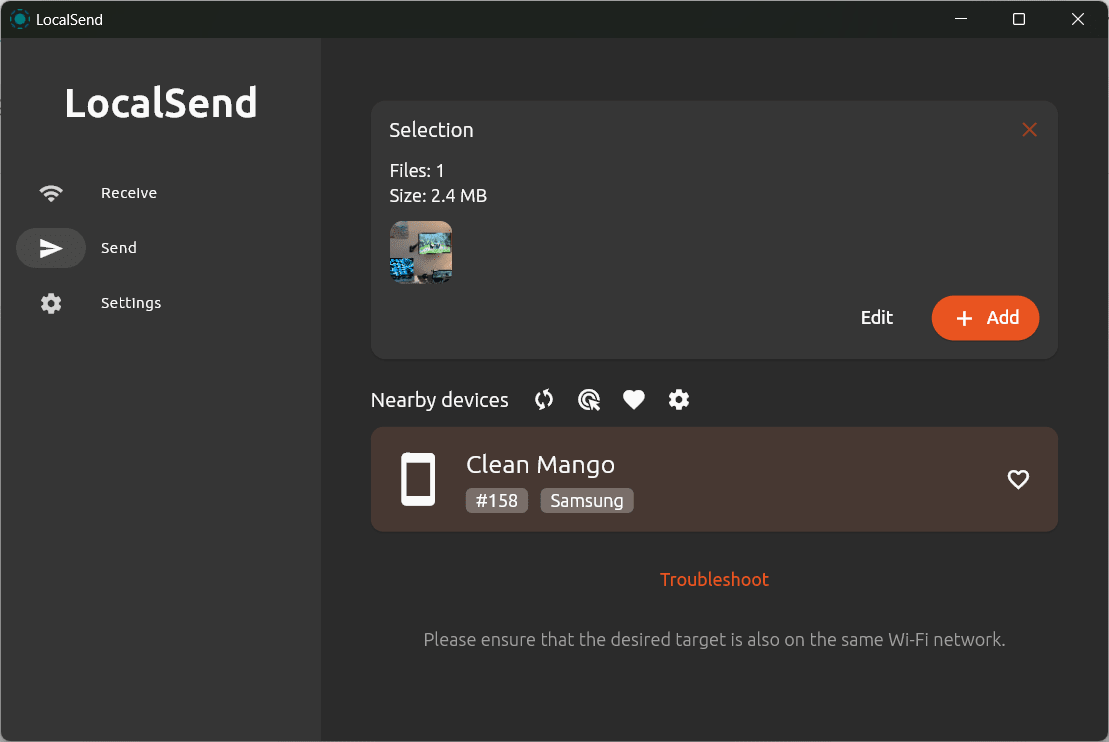
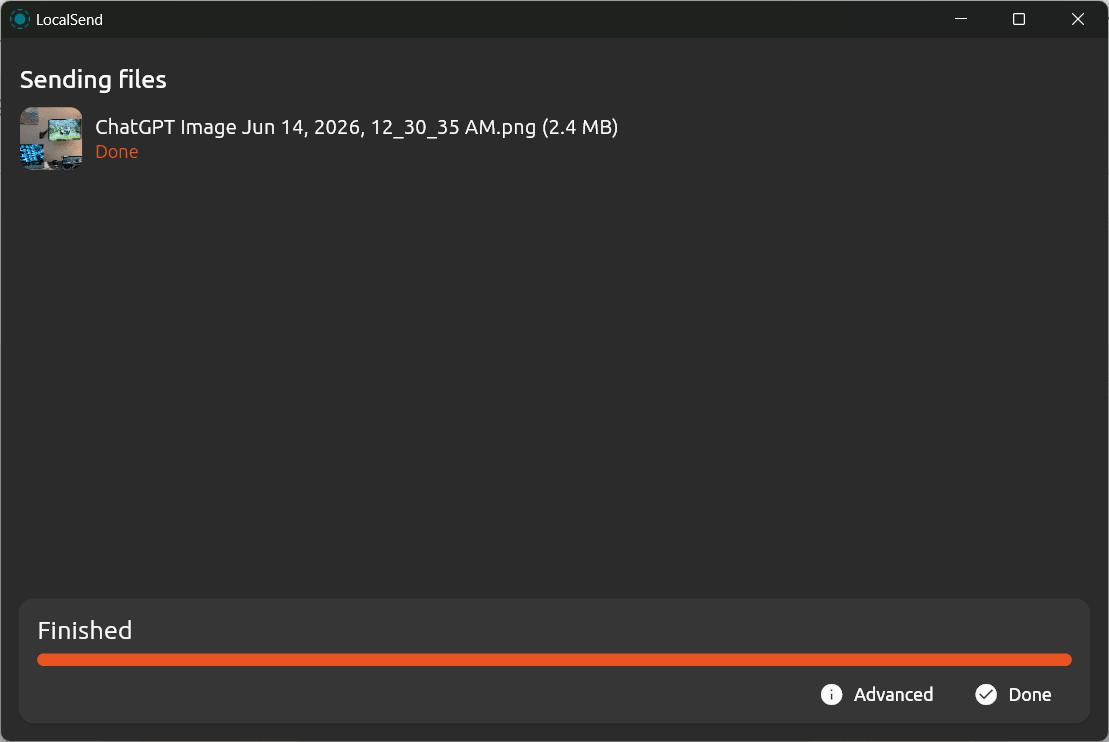
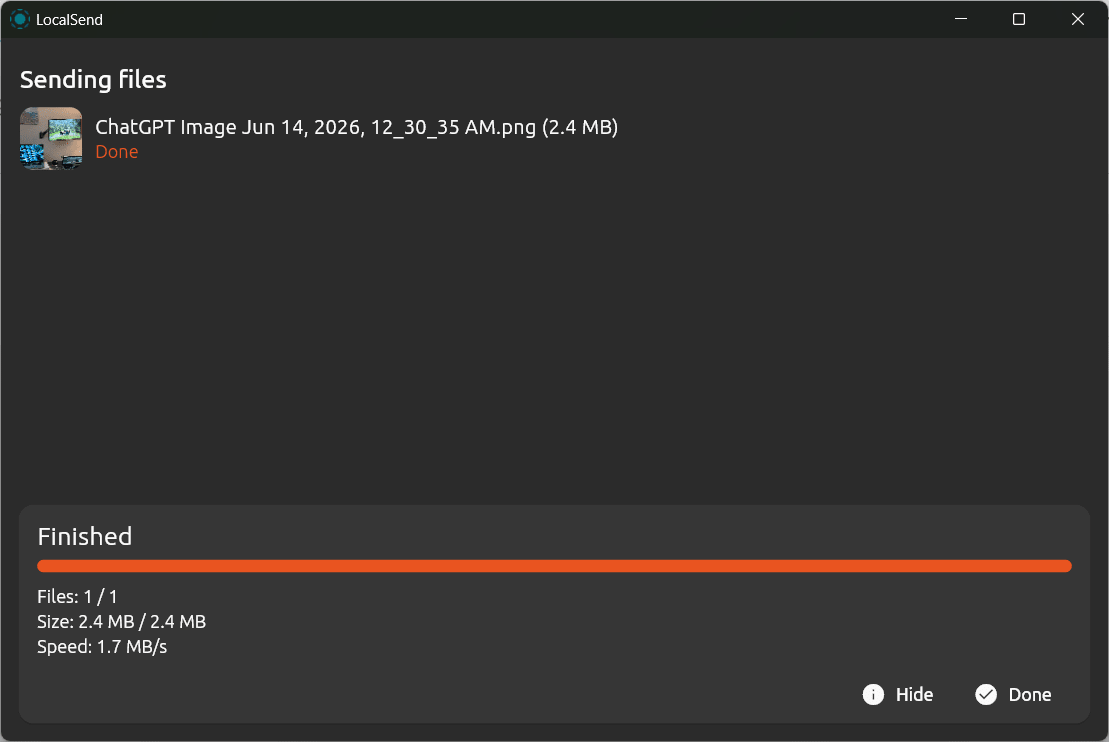
Because the software skips external servers entirely, you get maximum transfer speeds capped only by your local network bandwidth. The actual transfer process requires minimal effort:
- Select files on one device
- Choose the target device from the list
- Accept the transfer on the receiving device
This direct workflow keeps things moving quickly, whether you are pushing a single photo to your phone or migrating massive video folders to a workstation.
Cross-platform compatibility and ease of use
The software shines through its broad platform support, offering native clients for Windows, macOS, Linux, iOS, and Android. It bridges the gap between competing ecosystems, letting you push files from an iPhone to a Linux desktop without jumping through hoops.
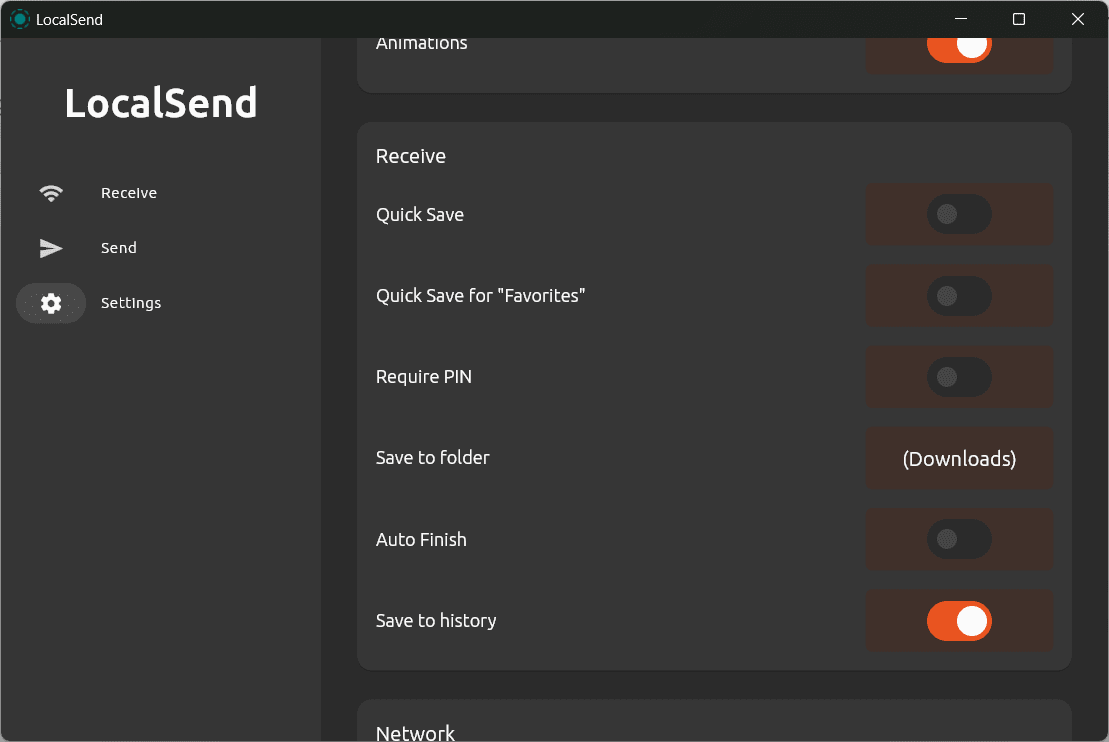
The interface stays minimal and focuses heavily on quick device discovery. As long as the application is open, devices on the same network automatically appear in your target list, completely bypassing manual IP configuration or Bluetooth pairing codes.
Privacy, security, and offline operation
The application handles data with strict privacy standards. Because files travel locally, absolutely nothing touches an external server or cloud database. It secures all communications using end-to-end encryption (TLS/SSL), guaranteeing your data remains unreadable even if someone is monitoring the local network traffic. This architecture keeps your sensitive documents completely isolated from third-party tracking.
Pricing and availability
LocalSend operates on a completely free, open-source licensing model with no hidden premium tiers or subscriptions. However, because developers occasionally update their distribution methods or introduce premium support tiers, it is always recommended to check the official website, as the final cost depends on the tier chosen or active promotions.
A simple and privacy-focused solution for local file sharing
This utility provides a remarkably clean way to move data between devices without relying on the internet. Its broad platform support, high-speed local transfers, and strict privacy standards make it an essential tool for local workflows. While it cannot replace cloud storage for remote access, LocalSend perfectly solves the immediate problem of moving files across the room.